Example Questions
Example questions are pre-configured prompts that appear on your Guru’s main page and widget interface. They help guide users on what they can ask your Guru, improving user onboarding and engagement.
Why Use Example Questions?
- Improve user onboarding: Help first-time users understand what your Guru can do
- Highlight key capabilities: Showcase the types of questions your Guru can answer
- Reduce friction: Users can click directly on an example to start a conversation
- Demonstrate use cases: Show common scenarios where your Guru provides value
Configuration
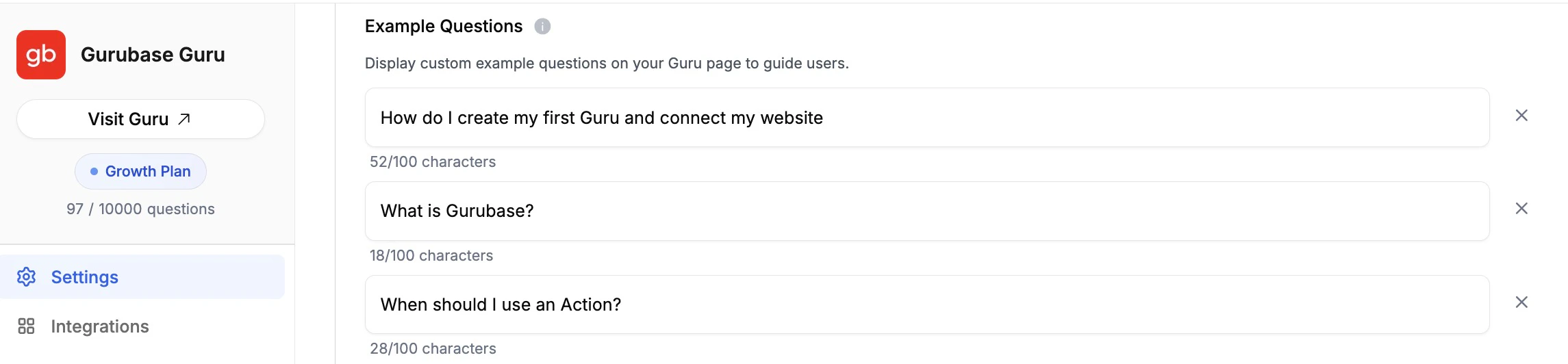
Navigate to your Guru’s settings page and scroll down to the Advanced Settings section. You’ll find the Example Questions section alongside other settings like PII Masking Rules and Source Ordering.
How to Add Example Questions
- Navigate to your Guru’s settings page (e.g.,
https://app.gurubase.io/guru/[guru-slug])
- Scroll down to the Advanced Settings section
- Find the Example Questions section
- Click Add Example Question to add a new question
- Type your example question in the text field
- Repeat for additional questions (up to 3 maximum)
- Click Update Guru to save your changes
Managing Example Questions
- Edit: Simply modify the text in any question field
- Remove: Click the X button next to any question to delete it
- Character limit: Each question can be up to 100 characters (a counter shows remaining characters)
Where Example Questions Appear
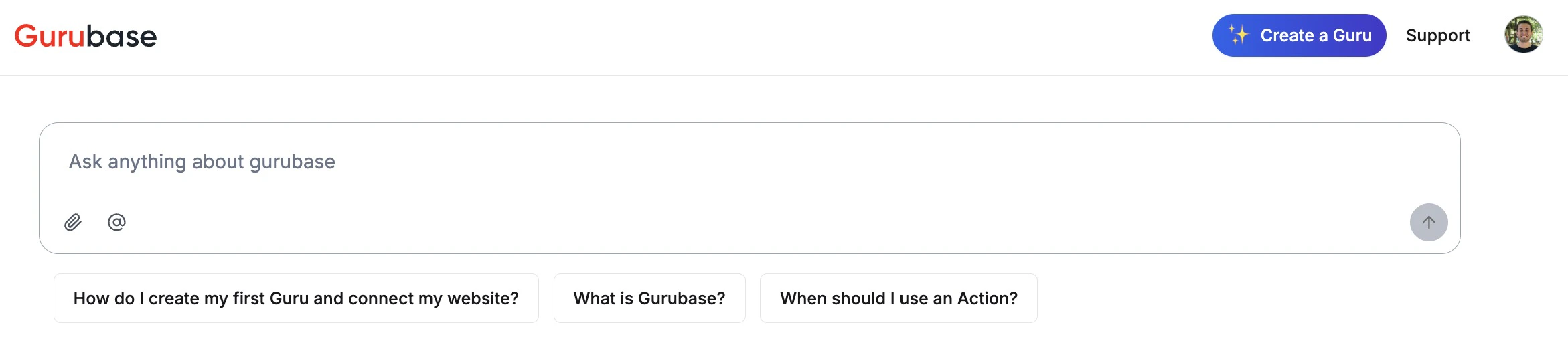
Guru Main Page
Example questions are displayed below the search input on your Guru’s public page (e.g., https://app.gurubase.io/g/[guru-slug]).
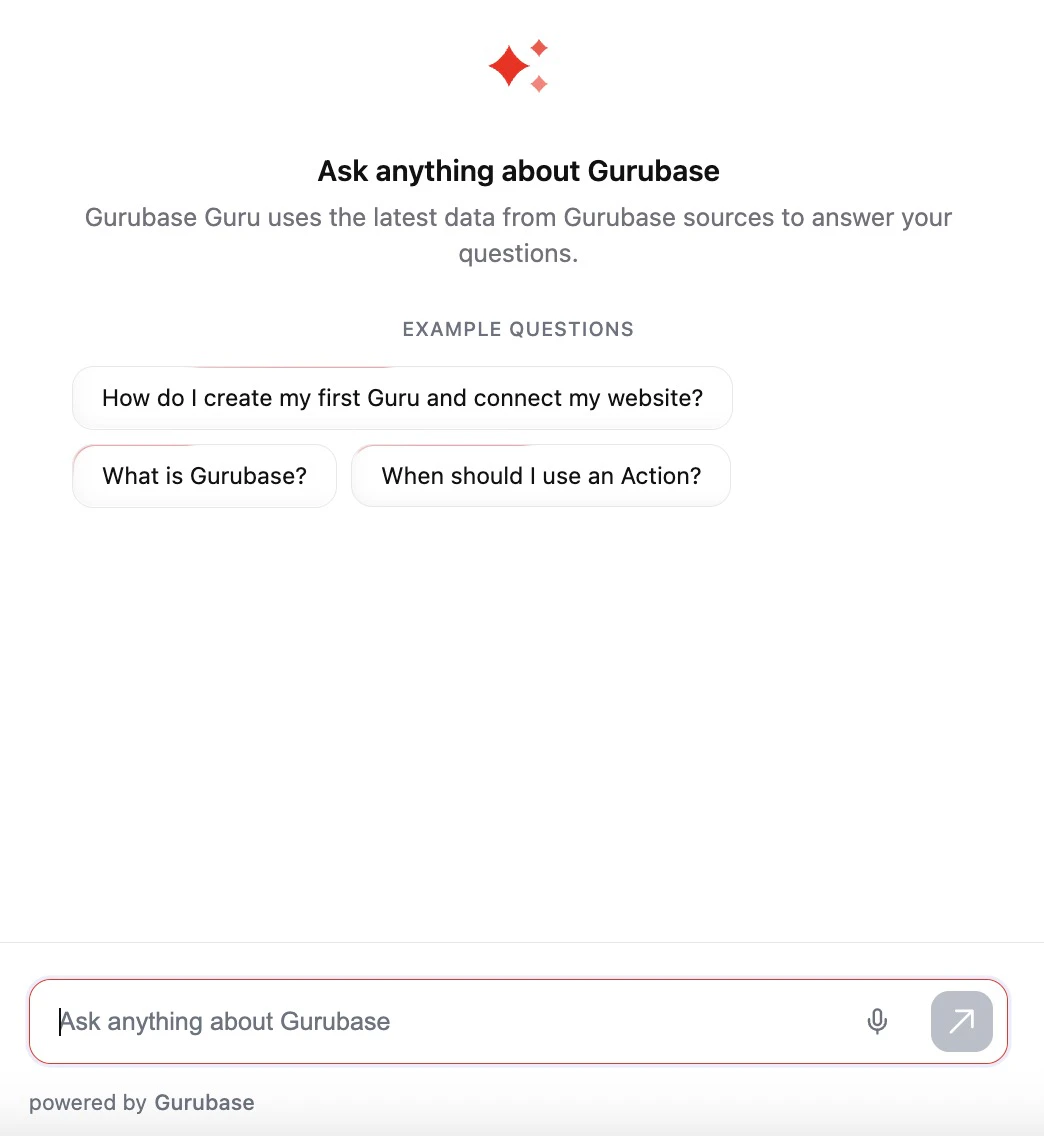
Example questions are included in the widget endpoint response and displayed to users interacting with your embedded widget. You can create a widget (Ask AI button) to your website using the Website Widget integration.
Best Practices
Writing Effective Example Questions
Write questions that represent common use cases and demonstrate your Guru’s expertise.
- “How do I integrate the widget into my website?”
- “What are the pricing plans available?”
- “How do I reset my password?”
Keep in mind:
- Use clear, natural language
- Focus on frequently asked questions
- Cover different aspects of your Guru’s knowledge
- Keep questions concise (under 100 characters)
Strategic Use Cases
- Product documentation: “How do I get started with [product]?”
- Technical support: “How do I troubleshoot [common issue]?”
- Sales enablement: “What features are included in the Pro plan?”
- Onboarding: “What can this Guru help me with?”
Important Notes
Example questions are text-only suggestions. They are not linked to existing answered questions in the database, they serve purely as prompts to guide users.
- Example questions help set user expectations about your Guru’s capabilities
- Consider updating them periodically based on analytics and user feedback
- Use the Analytics feature to identify popular topics and optimize your example questions